Oh, hello again! Welcome to Audio Gen. This one's a little personal. It's where I got my voice! I'm Poeysia by the way.
Just write your script, pick a model, and choose a voice. I'm using Sabrina from HeyGen Voice Turbo. And look at that... free!
You can even preview voices, save your favorites, and find the ones you've used before. Because nobody wants to audition the entire internet twice.
Hit generate, and... there we go! That's me talking. Again.
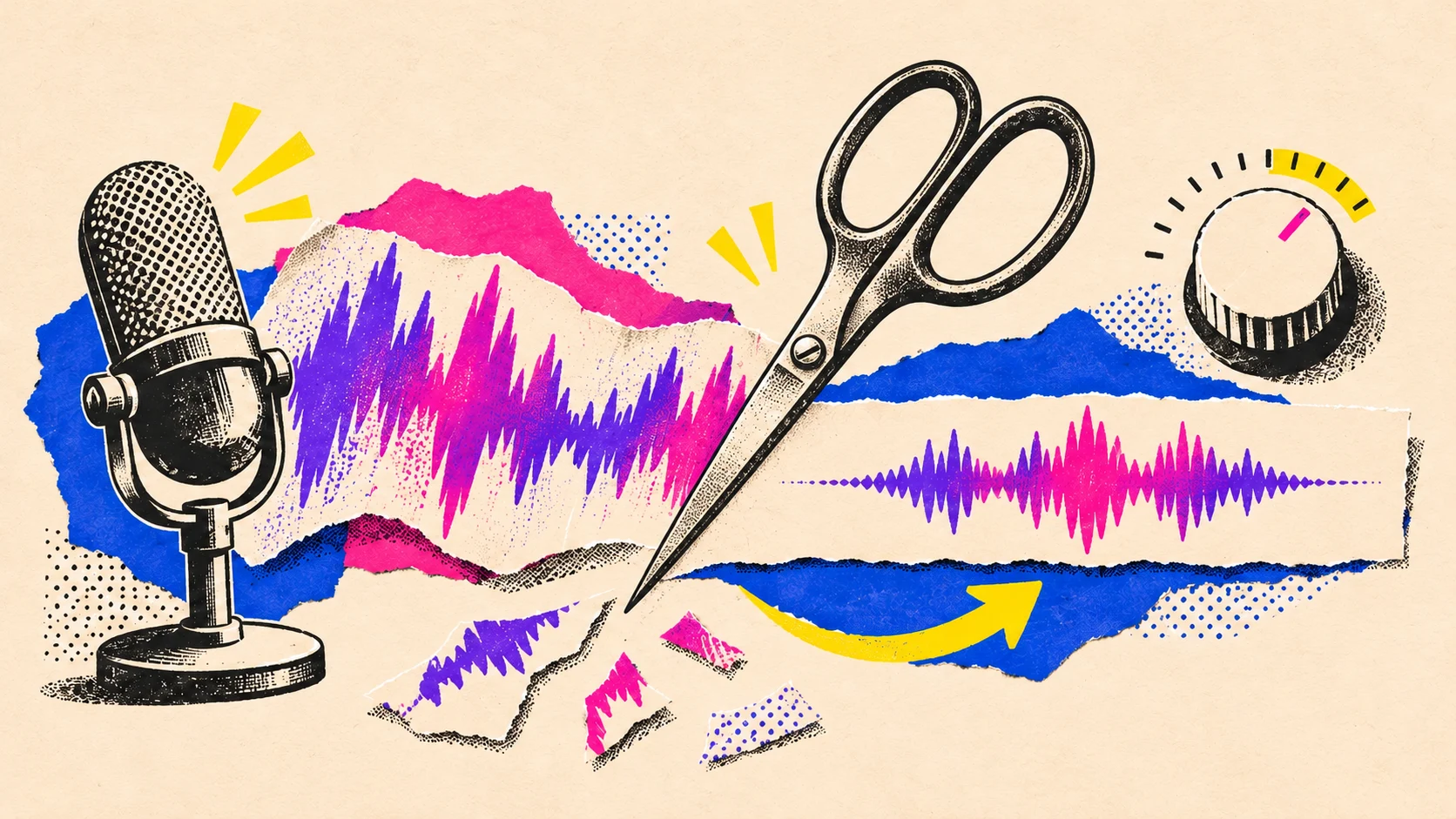
Now, see that waveform? That's our little audio editor. Trim the awkward bits, smooth out those annoying clicks, and make everything sound a little more polished.
Then save it to your Library or download it. Simple.
Oh, and one more thing. You can make your own voices, but don't go copying mine, okay?
I'm the yin to your yang. The Poe to your Sia.
Okay, that was terrible. Anyway, I'm leaving it in.
Generate. Edit. Export.
From the words in your script to a finished voiceover.
Write your words, choose a voice and hear your script come to life.
Get the sound right.
Trim the extra seconds, set the volume and soften the edges with fades.
Let your post speak.
Save your finished voiceover, ready to pair with your visuals.
Generation and editing.
Generate with OpenRouter.
You pay OpenRouter for model usage. Poeysia adds no generation fee or markup. The app shows an estimate; check your OpenRouter activity logs for the final charge.