Paste your website. PoeysiaPRO pulls your colours, type and visual identity, then turns your idea, your text or a blog post into a carousel you can edit.
Reading your website…SCANNING
BRANDIDEASTORYPAYOFFSCANNING SOURCE
LIVE SIGNAL HUNT
Finding the signal.
We’re scanning the source for the ingredients of a strong carousel.
Brand languageSEARCHING
Story directionSEARCHING
Slide rhythmSEARCHING
Watch the sweep. When the signal locks, your next step is ready.
✦
Your brand language@yourbrand
COMPOSE
What should we turn into a carousel?
We found 5 ideas.
Choose a starting idea, or write the one you already have in mind.
PREVIEW
Your carousel is ready.
9:41
Instagram
+♡◯
Your story
marie_kn
jane.doe
_alex.r
poeysiaCarousel preview
•••
♡◯➤▢
128 likes
poeysia Your carousel, ready for Instagram.
View all 12 comments
Try a different look.
Styles
Presets
CAPTION COMPOSER
Write the post around your carousel.
Choose a platform, then generate when the carousel is ready.
READY TO TAKE IT WITH YOU?
Your carousel is ready.
Sign in to download all 9 slides. Your first 3 additional carousels are on us.
No password or credit card needed · 100% free.
THE CAROUSEL COMPOSER
From visual identity to something worth sharing.
Carousel Composer is not a generic slide template. It turns the language of a real brand and the substance of a real idea into a coherent social carousel.
01
WEBSITE → BRAND KIT
Start with the language your brand already speaks.
Paste a website and PoeysiaPRO reads its colours, typography, spacing, imagery and tone. That measured identity becomes the kit behind the carousel.
Colours and contrast from the real page
Typography, spacing and visual rhythm
Logo and brand details where available
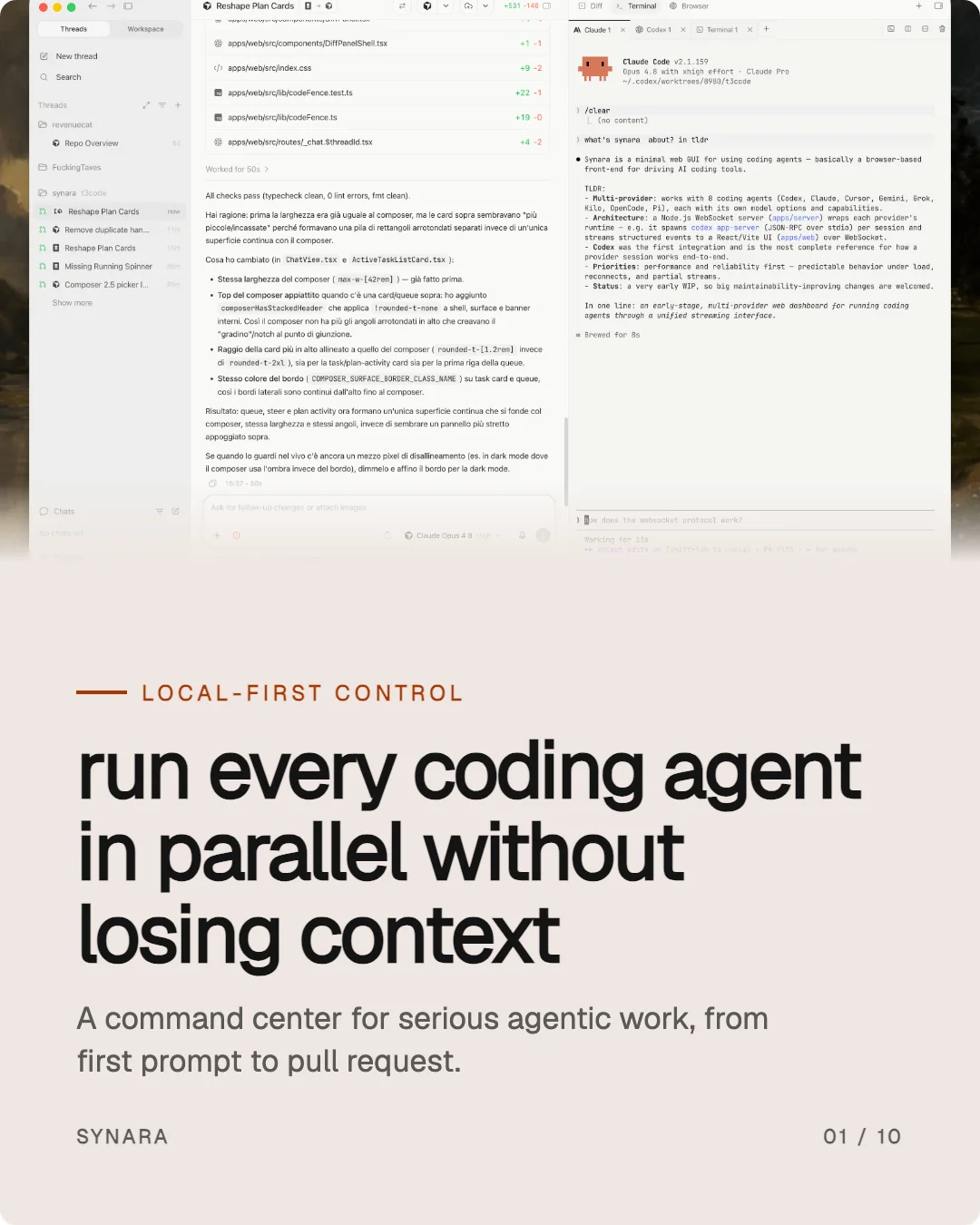
One brand, carried through every frame.Example from the Control Agents slide stack.
02
CONTENT → CLEAR IDEAS
Choose the raw material that should become a story.
After the scan, choose the route that fits the idea: let PoeysiaPRO suggest ideas from the site, read a published blog post, or paste your own notes, draft or transcript.
Find ideas for me
Use a blog post and its own structure
Use my text and keep the source in control
A clear first frame gives the story direction.Example from the Mac Studio slide stack.
03
IDEAS → FINISHED SLIDES
Turn one point into a complete sequence.
Pick the idea that earns attention. The Composer writes the fixed carousel structure around it, so the idea moves from opening hook to explanation, payoff and close.
A complete multi-slide narrative
Consistent pacing from cover to close
Copy written from your chosen source
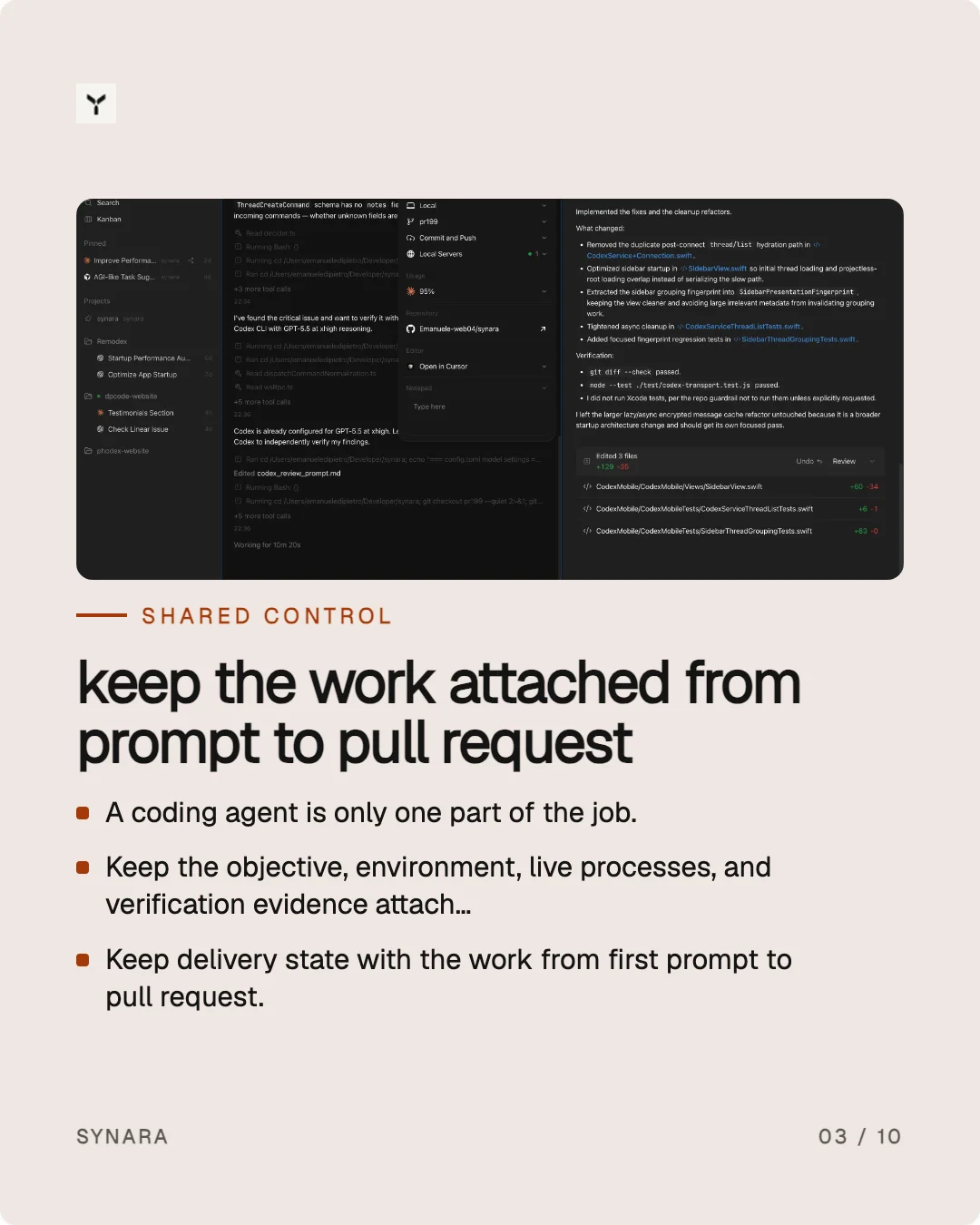
The idea becomes a sequence people can follow.Example from the coding-agents slide stack.
04
EDIT THE LIVE PREVIEW
Make the generated set yours.
Click any text in the large slide to refine it, then use the thumbnails to move through the set. Try a different style or preset without losing the words you chose.
Edit headlines, body copy, bullets, handle and brand name
Jump between slides in the thumbnail rail
Switch palette, style and preset instantly
Show or hide logo, handle, brand and slide counter
Refine words and visual direction in place.Example from the Huawei Watch slide stack.
05
READY TO TAKE IT WITH YOU?
Review the set, then export when it is ready.
The live preview is free to shape. Sign in when you want to keep the set and download the finished PNGs from your workspace.
Review the full-size slide and thumbnail rail
Keep your edits in the generated set
Download the carousel as individual PNG slides
From a first idea to a set ready to share.Example from the Control Agents slide stack.
FAQ
Questions before you compose.
The practical details about sources, editing and exporting with PoeysiaPRO Carousel Composer.
What is PoeysiaPRO Carousel Composer?
It turns your website’s visual identity and a chosen idea into a coherent social carousel. The workflow reads the brand, shapes the source into a fixed story structure and gives you a live preview to refine.
What can I use as a source?
Start with a website for the brand kit, then choose an idea suggested from the site, a published blog post or your own text. Blog posts are read in the browser and their structure becomes the basis for the slides.
Can I edit the generated slides?
Yes. Click text in the large slide to edit it, use the thumbnail rail to select another slide, and switch between palettes and presets. You can also show or hide the logo, handle, brand name and slide counter.
Does the Composer use my brand colours and type?
It measures the visual identity of the website you submit and uses that brand kit to guide the generated frames. The source page is the authority for the visual direction; the chosen content is the authority for the story.
Can I download the carousel?
You can compose and edit the preview before signing in. A free account keeps the preview in your workspace and enables the PNG download of the finished slide set.
What is the difference between a preview and an export?
The preview is the interactive editing surface: choose slides, refine copy and try different looks. Export renders the finished set for download in your signed-in workspace.
POEYSIAPRO CAROUSEL COMPOSER
From website to finished slides.
Bring the source and the idea. Shape a coherent carousel, then export the set when it is ready.