PoeysiaPRO

POEYSIAPRO · GENERATIVE CREATION

Imagine it.
Create it here.

Generate AI videos, images and audio in PoeysiaPRO.
Then edit them for your next post, all in the same app.

Connect your OpenRouter account to get started.

How billing works
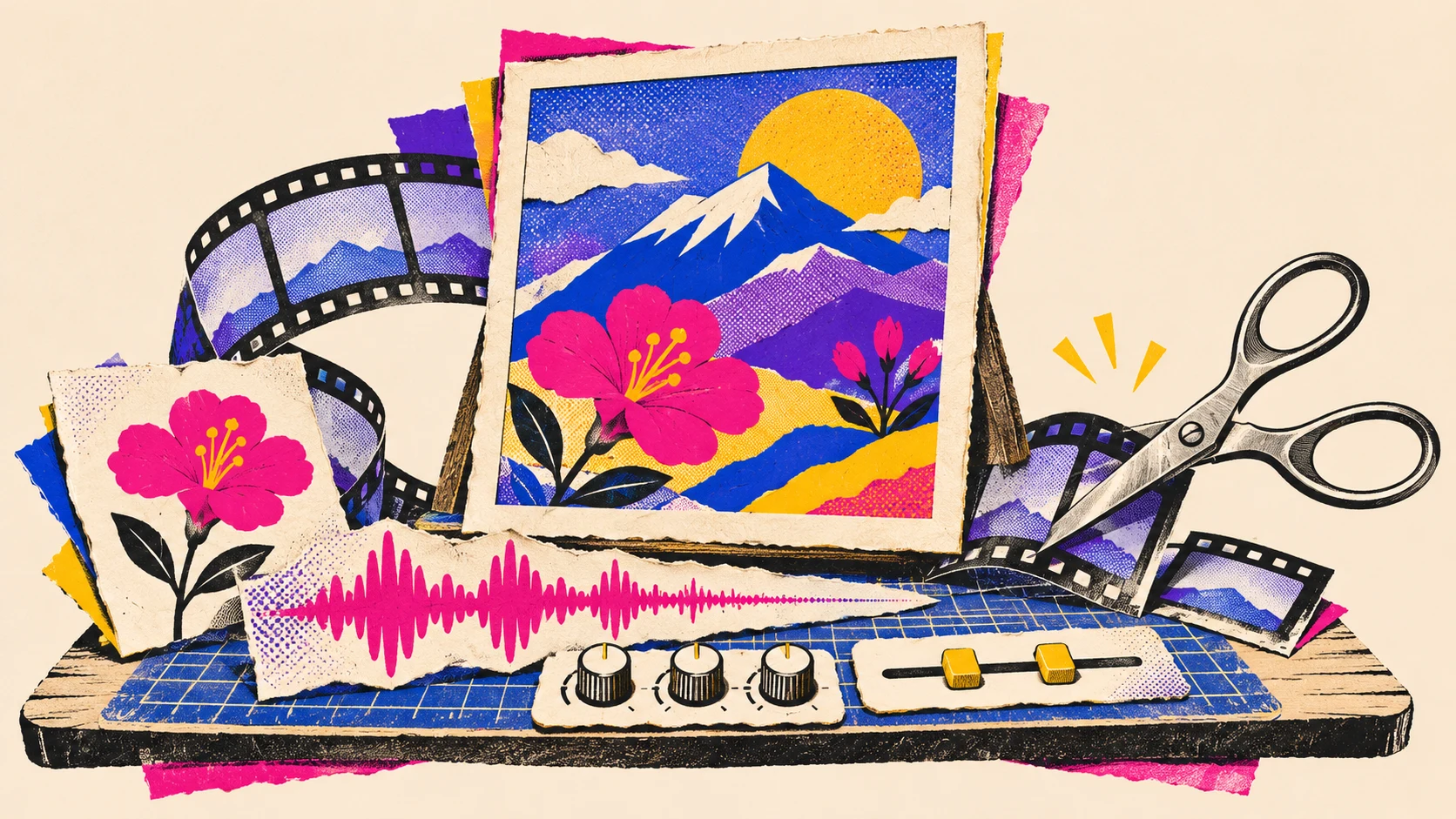
Comic-style creative workspace connecting AI video, image and audio generation with post-production tools.

Poeysia: Your idea can take any shape.

A little introduction from Poeysia

Meet the voice behind our creative world

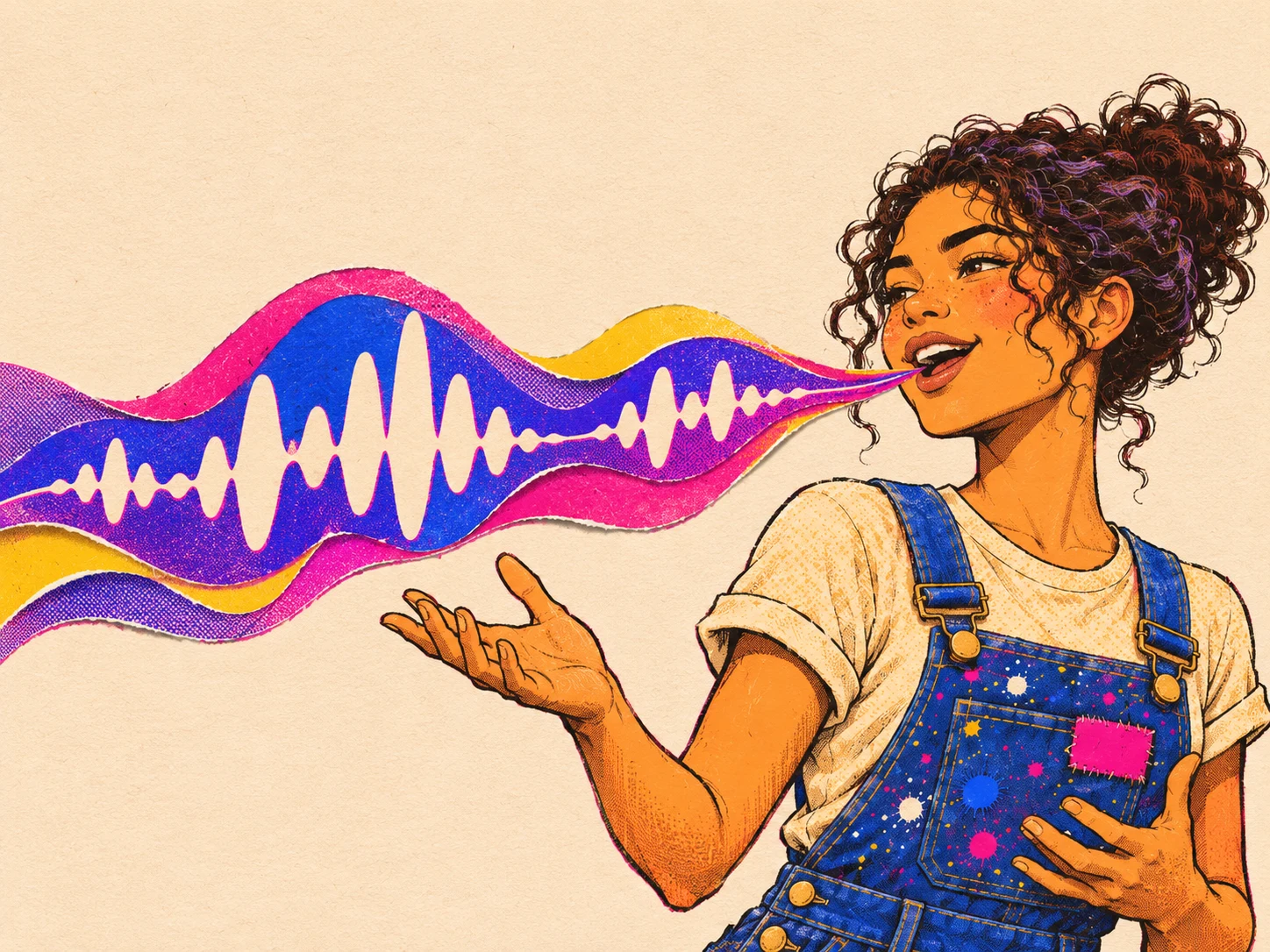
Made with PoeysiaPRO Audio Gen

Hey, I’m Poeysia.

0:000:59
Read the full transcript

Hey, I’m Poeysia. You might think this is just a little corner of the internet - but it’s my whole world: a place where ideas turn into images, videos, and sounds. Welcome to PoeysiaPRO.

We’ve got Image Gen... Video Gen... and Audio Gen - oh, hello! That’s where my voice comes from. Need a quick cutout? A seamless panorama? Or a carousel that’s ready to share? There are little tools for those too. And all your creations can hang out in your Library until inspiration strikes again.

Oh - and here’s how this little world got started. Dominik, our founder, wanted an easier way to turn long-form videos into short clips with AI. That idea became Clips. Use the built-in downloader to bring in a podcast or TikTok, then let AI help turn the best bits into bite-sized clips that are ready to share. Long story, meet short clip!

So go on - pick an idea, make a little magic, and see where it takes you. I’ll be right here if you need me!

Generate. Edit. Export.

Generate it, edit it and get it ready to post. All in PoeysiaPRO.

Video

Turn a scene into a finished clip.

Explore Video Gen
  1. Imagine the scene.

    Describe what you want to see. Generate your first take.

  2. Make the cut.

    Open it in Clips. Choose the framing and add your subtitles.

  3. Ready for your feed.

    Export the finished clip and make it your next post.

Image

Make the image. Keep the subject.

Explore Cutout
  1. Picture your idea.

    Describe the subject and style. Create the image you have in mind.

  2. Keep the good part.

    Remove the background with Cutout. Let your subject stand on its own.

  3. Give it a new home.

    Export a transparent PNG for your next layout or social post.

Audio

Give your post a voice that fits.

Explore Audio Gen
  1. Give it a voice.

    Write your words, choose a voice and hear your script come to life.

  2. Get the sound right.

    Trim the extra seconds, set the volume and soften the edges with fades.

  3. Let your post speak.

    Save your finished voiceover, ready to pair with your visuals.

Why OpenRouter in PoeysiaPRO?

Your next idea starts here.

Video, images, audio and the tools to finish the post. All in one desktop app.