
build update · PoeysiaPRO
Feature parity. Reached.
PoeysiaPRO has reached feature parity with OpusClip across the core Clips workflow. Today we added a full visual-style library, creator branding, watermarks, Auto Framing and Virality Score.
August 12 was a big build day. PoeysiaPRO has reached feature parity with OpusClip across the core clip creation workflow. Finding moments, evaluating them, framing speakers, styling titles and subtitles, adding creator branding, preparing covers and rendering finished shorts can now happen inside one desktop app.
This is not one isolated feature. It is the point where several systems came together and turned Clips into a much more complete creator workspace.
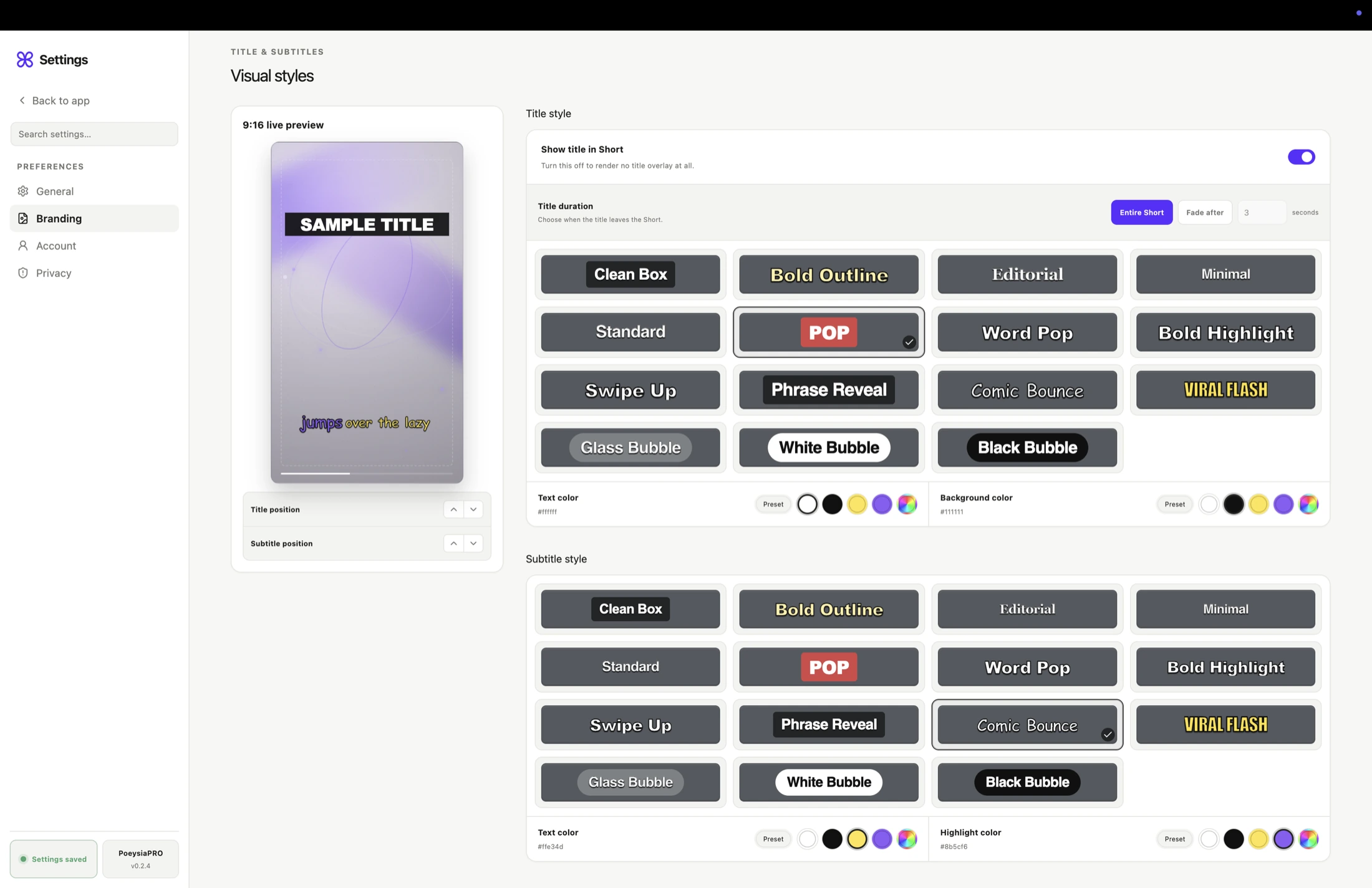
Branding now has its own direct entry above Account. Inside it, creators get a large visual-style library for both titles and subtitles. Clean Box, Editorial, Word Pop, Comic Bounce, Viral Flash and Bubble styles are part of the same shared preset set, with distinct fonts and typography tailored to each use. Titles and subtitles can be styled independently, with their own colors, positioning and a live 9:16 preview that matches the rendered result.
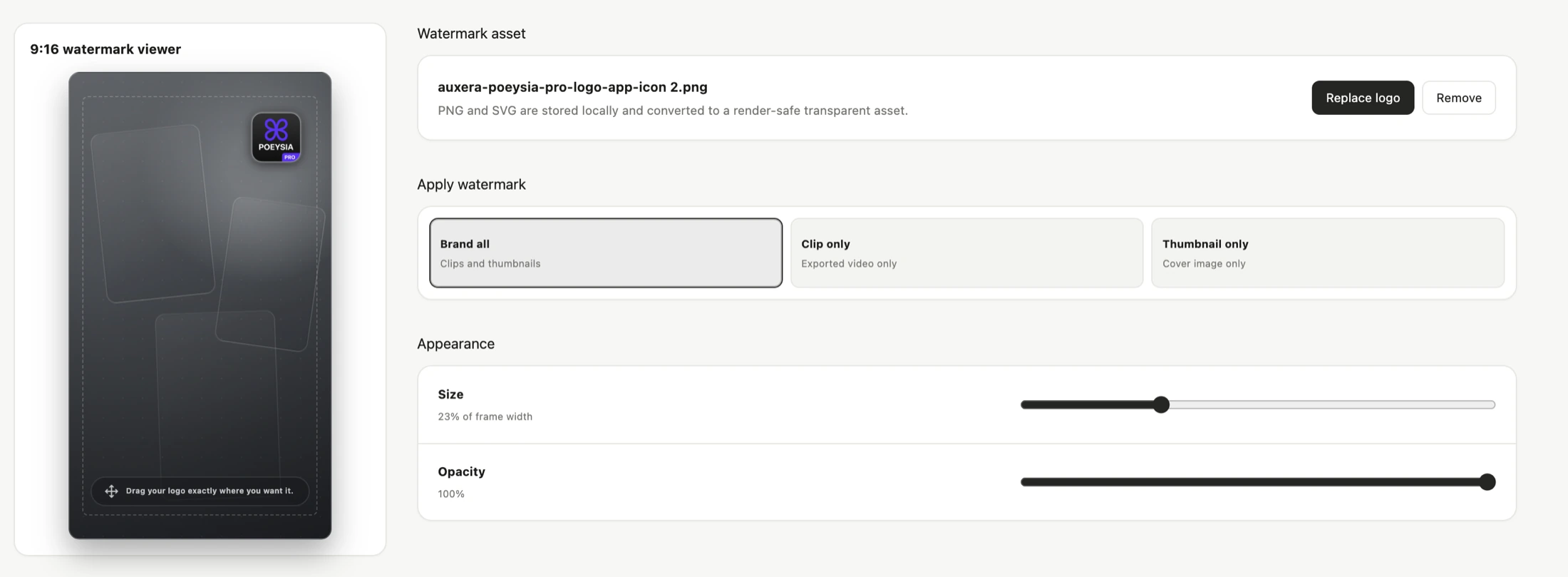
Creators can now add a podcast, show or company logo as a watermark too. PNG and SVG assets are stored locally, and the logo can be dragged directly into position in the 9:16 viewer. Size and opacity are adjustable, and the watermark can be applied to clips and thumbnails together, to the exported clip only or to the thumbnail only.
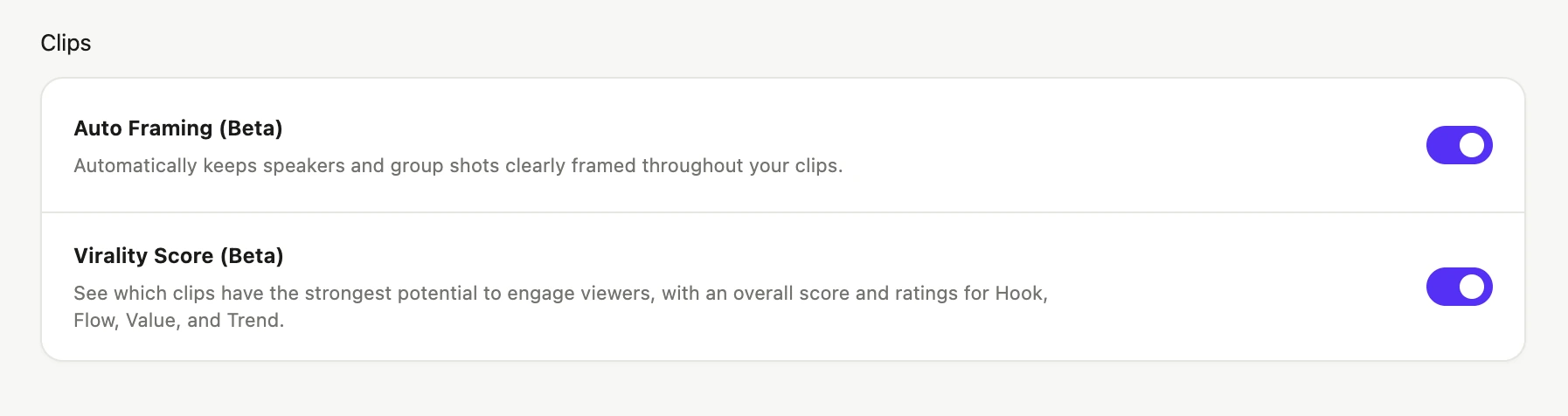
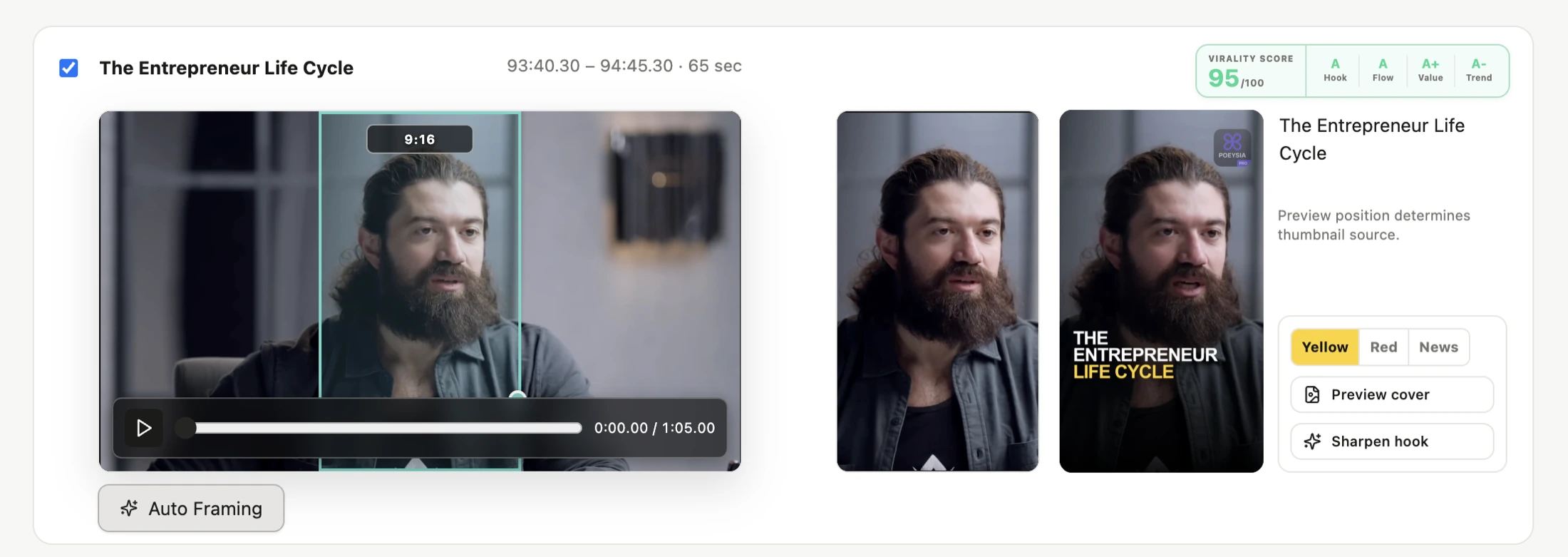
Auto Framing is available as a Beta toggle in Settings. It analyzes camera changes and people locally on the Mac, then creates a time-based framing track inside each clip. One person becomes a focused Vertical shot, two people become a Split composition, and group shots with three or more people keep the complete 16:9 frame visible inside the vertical canvas. Audio, titles and subtitles remain continuous while the framing changes.
The automatic plan is not a black box. Each framing segment can be reviewed and corrected. Creators can move the crop, switch between Vertical, Split and Group, or fall back to a manual composition whenever editorial judgment should win.
Virality Score is the second new Beta. New Fast Scans now evaluate every candidate for Hook, Flow, Value and Trend and combine those signals into an overall score. When the display toggle is active, the strongest candidates are sorted to the top and the compact score appears before selection and export, where it can actually help. Deep Processing can refine the first estimate, while older projects without stored score data simply remain unscored.
There was important work below the surface as well. Clips now runs entirely on the newer V2 workflow. Opening Branding or Settings no longer tears down the active Clips workspace, so video players, cards and the current session stay in place. Preview and export share the same style definitions, and Beta settings remain synchronized with existing projects after an app restart.
Feature parity does not mean we are done, and it does not mean we want to build an OpusClip clone. It means creators no longer have to choose a browser clipper just to get the expected core toolkit. PoeysiaPRO can now meet that bar while staying true to its own direction: a local-first Mac workflow, direct control over the result and a broader one-stop workspace for the small jobs around publishing.
Auto Framing and Virality Score remain clearly marked Beta features while we test them across more cameras, podcasts and editing styles. But the milestone is real. Today, PoeysiaPRO stopped catching up on the core workflow. From here, we get to push ahead.